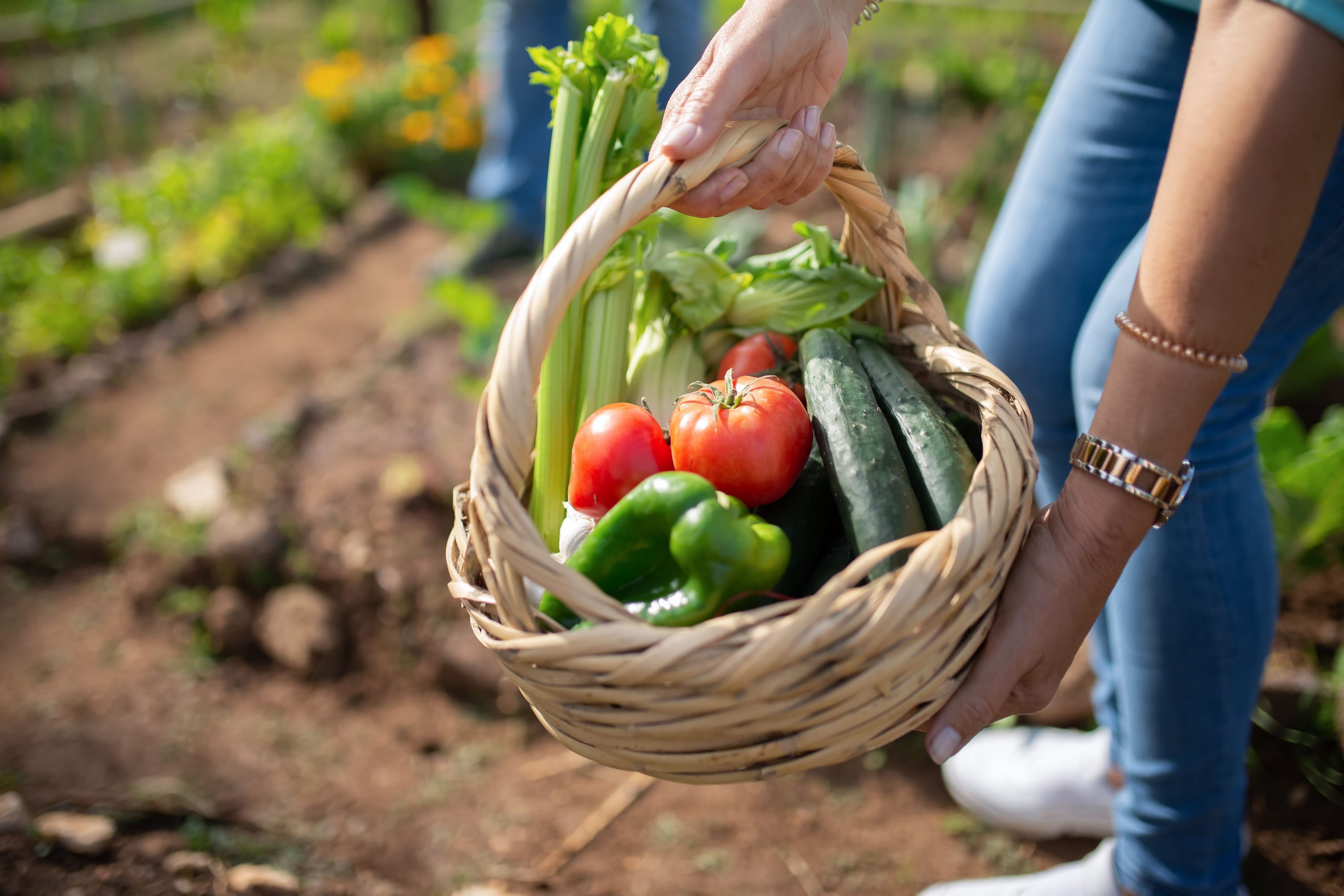
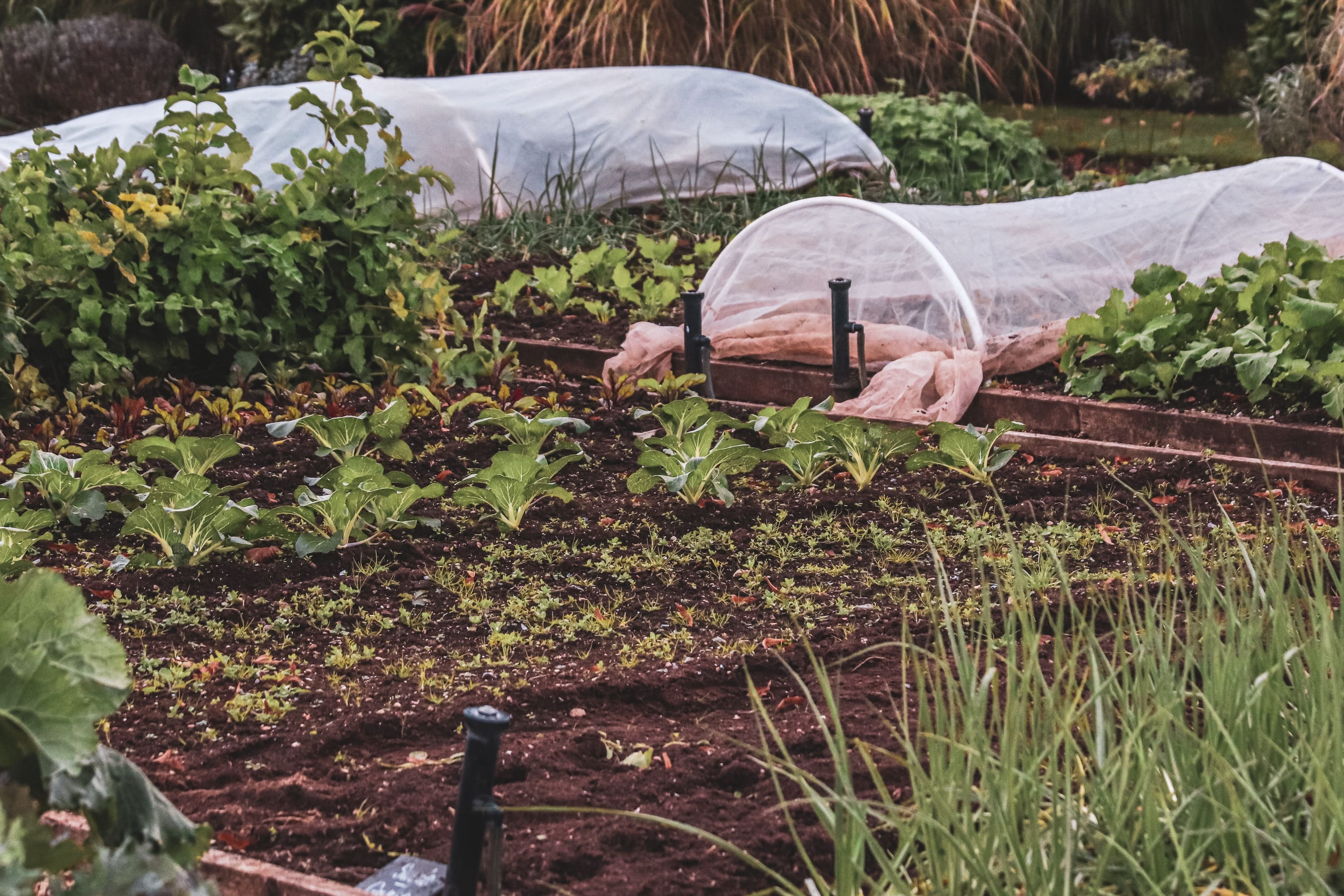
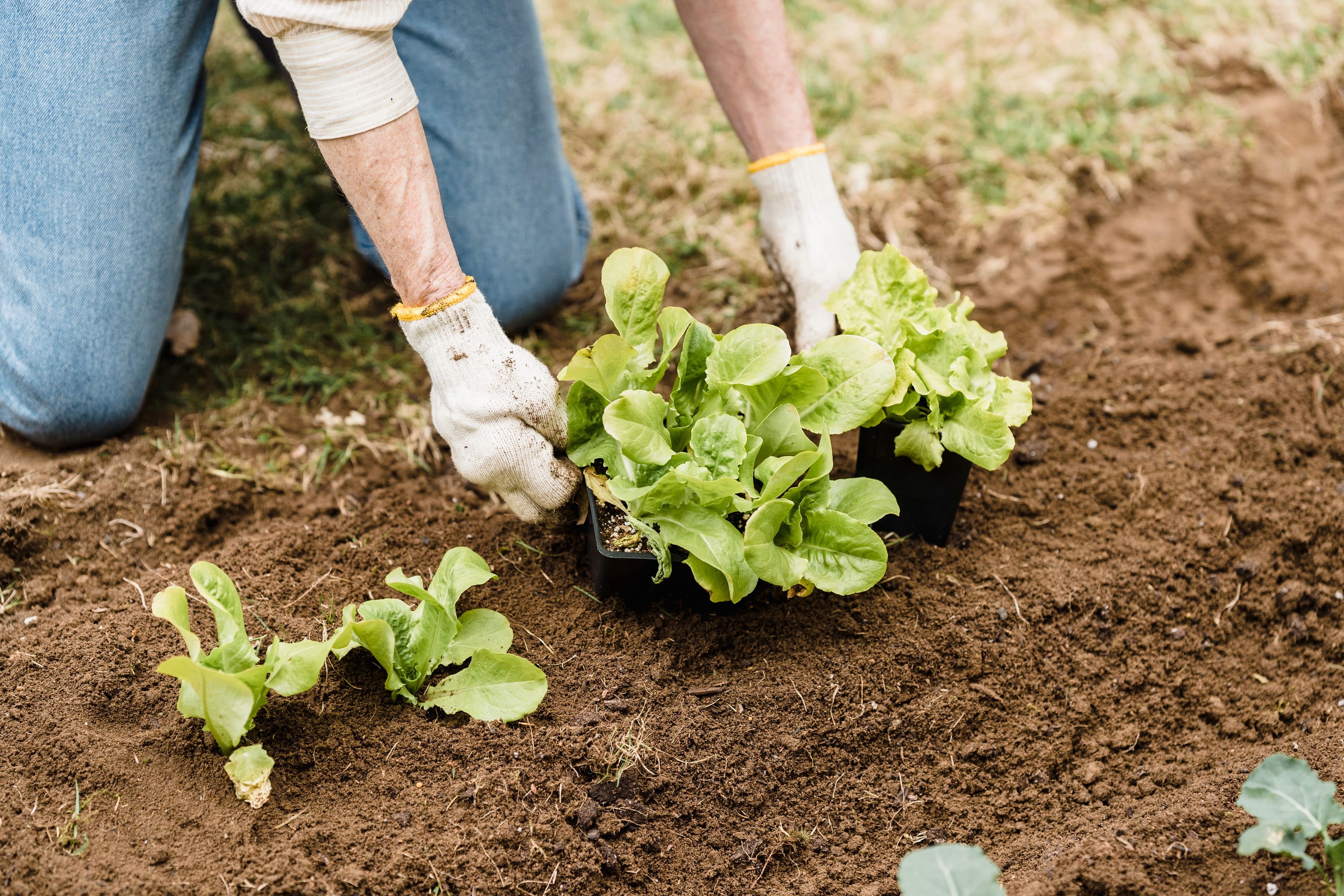
Tomato 'Sungold'
- SunFull sun
- WaterRegular, deep
- SoilWell-drained, rich
- Hardiness zone5
Sow under glass from March. Pinch out side shoots weekly and feed once the first truss sets.
An earthy, refined design for garden centers, nurseries, and outdoor lifestyle brands.
Garden centers, plant nurseries, outdoor furniture stores, landscaping services, and nature-inspired lifestyle brands. If your products grow, bloom, or live outdoors, Talamh is your preset.
Forest greens and warm browns with golden accents. The palette feels like sunlight filtering through leaves. The serif heading font adds an editorial quality — sophisticated but never stuffy.
| Role | Font | Weight |
|---|---|---|
| Headings | Playfair Display | Bold (700) |
| Body | Source Sans Pro | Regular (400) |
Playfair Display is an elegant transitional serif. Paired with the clean readability of Source Sans Pro, you get a look that's refined without being fussy.
These sections work beautifully with Talamh's natural tones:
Best for medium to large catalogs (50–500 products). The refined design works especially well when you have rich product photography to show off.

Celtic for "earth" — Talamh is the organic, seasonal garden-niche preset for Shopify merchants selling plants, seeds, garden tools, or horticultural products. The seasonal-color tinting visual signature (gradient colour applied to section backgrounds based on a merchant-configurable season setting) evokes the natural rhythm of the growing year — right for plant nurseries, garden centres, and seed suppliers competing on Shopify against specialist horticultural retailers.
Talamh serves merchants who:
Garden centres, online plant nurseries, seed suppliers, or specialty horticultural retailers with 50–1,000 SKUs. Revenue model: high seasonality; large spring/autumn buying peaks; customer education is a key differentiator (planting instructions, zone guides, seasonal highlights).
The Talamh preset loads assets/preset-talamh.css when settings.preset is talamh. This CSS:
The header (a shared component across all presets) wears Talamh's earth/soil signature, loaded from assets/talamh-visual.css:
backdrop-filter: blur(16px)), weighted and earthy rather than cool or breezy. On the homepage hero it carries a deep forest-green scrim; on scroll it settles to solid loam with a soft earth-toned shadow.scaleY, transform-origin: bottom) like a root taking hold — it grows from the ground, it does not sweep in or sit flat.The signature is decoration only — colour, border, blur, and the underline animation. It adds no menus; your navigation comes from your Shopify menu. It is right-to-left safe (the strata rises vertically, so it needs no direction flip) and reduced-motion safe (the strata appears instantly when reduced motion is requested). See the Header guide for the live demo.
The Seasonal tint control is a select in the Care conditions section's settings, with five choices: None, Spring (green), Summer (gold), Autumn (amber), and Winter (blue). Pick a season and the section stamps a data-season attribute on its wrapper; the section stylesheet reads that attribute and mixes the matching seasonal colour into the section background — a soft wash that starts at your colour scheme's own background at the top of the section and deepens toward the seasonal colour at the bottom.
The seasonal colour is mixed in at 8%, so the section keeps the contrast your colour scheme already gives it — the wash reads as a change of light, not a change of palette. Care conditions is the only section that carries the setting; every other section stays untinted. The wash itself is not Talamh-only: it ships in assets/care-conditions.css, so the control does the same thing on all five presets. What Talamh adds on top is the soil-horizon card skin.
Talamh's second signature is the planting calendar: the whole growing year, laid out as a field of earth tiles. It is the planting_zones layout of the shared Event calendar section (sections/event-calendar.liquid) — the same section that renders a plain dated timeline in every other preset.
Twelve month tiles sit on a warm-loam surface with a hairline terracotta rim, each carrying a decorative two-tone soil-strata accent along its base — moss-green topsoil over terracotta subsoil, the same cross-section stripe that draws under the header navigation. The month you're in is seated down into the soil: a golden-harvest wash, a forest-green top edge, and an inset shadow, like a seed pressed into a bed. It is chosen from today's date automatically — a merchant never sets a "current month". Above the grid sits a row of grounded, pressed-into-soil hardiness-zone chips declaring the zones you serve.
Try the live section below — switch the Layout between the timeline and the 12-month grid, edit the heading and the zone list, and click a month tile then use the arrow keys (and Home / End) to move through the year. Switch the preset to see the same shared section take on each preset's colours (the earth-tile decoration is the Talamh signature).
The same section is documented generically — both layouts, every setting in merchant language, and non-garden uses (a workshop diary, order deadlines, a seasonal menu) — on its component page: Event calendar. Internally it is sections/event-calendar.liquid (layout: planting_zones); the grid's keyboard navigation is the <niche-renderer> custom element loading assets/niche-talamh.js, and the earth decoration comes from assets/talamh-visual-ext.css reading the --talamh-* tokens in assets/preset-talamh.css.
| Setting | Type | Default | Description |
|---|---|---|---|
layout | select | default | Set to planting_zones to activate the planting calendar. default renders the timeline. |
heading | text | "Upcoming Events" | Section heading (e.g. "What to sow, plant, and harvest") |
zones | text | 5,6,7,8,9 | Comma-separated hardiness zones shown as chips above the grid (USDA numbers or RHS H3,H4,H5) |
related_article_handle | article | — | Optional. Pick a blog post and it surfaces as a "Read more" link under the heading |
color_scheme | color_scheme | — | Section background |
Where to find it in the theme editor: Sections → Event calendar → Section settings. Change Layout to Planting zones (12-month grid). The zones field only appears once that layout is selected; the related-article picker is visible in both layouts, and its link renders on the planting-zones layout.
The planting_zones layout draws all twelve months itself — it needs no blocks. The section's Event blocks (Date / Title / Description / Link text / Link URL) belong to the default timeline layout, which the same section renders when you switch back.
The grid follows the WAI-ARIA Grid pattern with a roving tabindex — only the current month is a tab stop, so the calendar never traps a keyboard shopper in twelve stops.
| Key | Action |
|---|---|
| Arrow ← / → | Move focus to the previous / next month |
| Arrow ↑ / ↓ | Jump six months back / forward (stops at January / December) |
| Home / End | Move focus to January / December |
| Tab | Moves focus out of the grid to the next focusable element |
The current-month tile carries aria-current="date", which screen readers announce as "current". Month labels are fully localized (all 50 locales; short form: "Jan", "Feb", …). On a phone the twelve tiles fall into a 3-column grid of large, tappable tiles.
Talamh's third signature is the care-conditions card, and it is a cross-section of earth. The shared Care conditions section (sections/care-conditions.liquid) renders a grid of cards — one per item, each answering the same short list of questions a customer asks before they buy. You name the questions, once, in the section settings: for a nursery they are Sun, Water, Soil and Hardiness zone, which is what the Talamh demo store sets.
On Talamh each card becomes a slice of ground. A warm-loam surface, rimmed in hairline terracotta. Along the card's top edge runs the decorative two-tone soil-strata band — moss-green topsoil over terracotta subsoil, the same cross-section stripe that draws under the header navigation. The condition rows stack as horizon rows, each opening with the mark you chose for it and split by hairline rules, so the care data literally reads as layered ground, and the care notes sit at the base of the horizon in an italic hand, like a field note pencilled in the margin. An item photo, if you add one, sits above the name in a 4:3 box with the card's own radius, and an item icon sits inline beside the name.
Try the live section below — edit the heading, then change the Item panel (name, its condition values, care notes) and watch the first card follow. Switch the Seasonal tint to wash the section in the colour of the season — it works on every preset. Switch the preset to see the same shared section take on each preset's colours; the earth decoration is the Talamh signature.
The same section is documented generically — every setting in merchant language, and non-garden uses — on its component page: Care conditions. The earth decoration comes from assets/talamh-visual-ext.css reading the --talamh-* tokens in assets/preset-talamh.css; the section itself ships no JavaScript.
| Setting | Type | Default | Description |
|---|---|---|---|
color_scheme | color_scheme | scheme-1 | Colours the whole section from one scheme |
heading | text | "Care conditions" | Section heading (e.g. "How to grow our heritage seed") |
condition_1 … condition_4 | text | — | You name these. The row labels used on every card. Talamh sets Sun, Water, Soil, Hardiness zone |
condition_1_icon … condition_4_icon | select | none | Optional mark opening each row, picked from a curated ~165-icon list shared with the item mark. Talamh sets sun / droplets / shovel / snowflake |
season | select | auto | Seasonal tint — auto (labelled "None"), spring, summer, autumn, winter. Stamps data-season on the .niche-anchor wrapper; care-conditions.css paints the wash, on every preset. |
related_article_handle | article | — | Optional. Pick a blog post and it surfaces as a "Read more" link under the heading |
Where to find it in the theme editor: Sections → Care conditions → Section settings.
Talamh's signature opener is The Gardener's Almanac: a Seasonal Highlights spotlight organised by time, not by category. Where most discovery sections ask "which group is mine?", the almanac answers the question a garden shopper actually has — "what should I be sowing, tending, or harvesting right now?" Each season carries a real garden photo, the produce that's in season now, a short jobs this season checklist, and a button into that season's collection. Flag the current season as current and the spotlight always opens on the right one — a four-clicks-a-year update that keeps the homepage feeling alive through the growing year.
Try the live section below — click a season chip, or focus one and use the arrow keys (and Home / End) to step through; the panel swaps in place. Switch the preset to see the same shared section take on each preset's colours (the earthy almanac decoration — the golden-harvest active chip, the two-tone soil-strata underline, the warm-loam panel — is the Talamh signature).
The same section is documented generically, with every setting and non-garden uses (seasonal fashion drops, a holiday gift edit, a menu by season), on its component page: Seasonal highlights. Internally the section is sections/seasonal-highlights.liquid; its keyboard-operable selector is the <season-almanac> custom element (a genuine WAI-ARIA Tabs implementation), and the earthy tints come from assets/preset-talamh.css.
On product pages, the Talamh preset emits Event JSON-LD for the product's planting window, built from two date metafields on that product. It is a product-page enhancement — it is not tied to the planting-calendar page or the Event calendar section, and a product carries it wherever it is viewed. The mapping to Schema.org Event properties:
| Schema.org field | Source |
|---|---|
@type | Event |
name | Product title + "planting window" |
startDate | uisce_talamh.planting_start_date metafield (ISO 8601 YYYY-MM-DD format) |
endDate | uisce_talamh.planting_end_date metafield (ISO 8601 YYYY-MM-DD format) |
location | Place with shop name |
eventStatus | EventScheduled |
eventAttendanceMode | OfflineEventAttendanceMode |
Note on date format: The planting_start_date and planting_end_date metafields must contain ISO 8601 dates (YYYY-MM-DD). The provisioner generates these in the correct format. If you fill them in by hand, use ISO format (e.g. 2026-03-01, not March 2026). The markup is suppressed when either date metafield is blank, to avoid Google Rich Results Test validation errors on missing required fields.
A separate planting_window text metafield holds the human-readable window ("Feb–Apr (indoors), May–Jun (outdoors)") shown by the two product-page blocks. These are two separate metafields serving two purposes.
For optimal Google indexing of plant care content, use clean page handles:
/pages/planting-calendar/pages/care-conditionshreflang link for each locale where you offer plant care content in that languageTo validate the Event JSON-LD, request a product that has both date metafields filled in:
curl -s "https://your-store.myshopify.com/products/your-plant-handle" \
| grep -A 10 '"@type": "Event"'Talamh niche sections read the uisce_talamh namespace (fixed). Key metafields:
| Key | Type | Used by |
|---|---|---|
hardiness_zone_min | number_integer | PDP care-conditions-card block, PDP hardiness-zone block |
planting_window | single_line_text_field | PDP care-conditions-card block (human-readable planting window) |
planting_start_date | date | Event JSON-LD startDate |
planting_end_date | date | Event JSON-LD endDate |
spacing_cm | number_integer | PDP care-conditions-card block |
These metafields drive the product-page blocks. The Care conditions section does not read metafields — its cards render the fields you type into each Item block, so it works on any page, not just a product page, and it publishes nothing about namespaces to the page. The product-page blocks work their namespace out from the preset you have selected.
Two blocks are available in the Talamh product template (listings/talamh/templates/product.json):
| Block handle | Description |
|---|---|
care-conditions-card | A care summary from the product's metafields: spacing, hardiness zone, and planting window |
hardiness-zone | A prominent "Zone 5" badge, with the planting window beneath it when that metafield is set |
The scripts/populate-niche-talamh.mjs provisioner creates:
uisce_talamh.hardiness_zone_min, planting_window, and spacing_cm metafields pre-populated, plus planting_start_date and planting_end_date on the ones with a meaningful planting window (values sourced from RHS hardiness ratings, the RHS Wisley planting calendar, the RHS Encyclopaedia of Gardening, the USDA Plant Hardiness Zone Map 2023, and Met Éireann regional adjustments)It reads the store credentials from .env.stores, so the invocation takes no arguments:
node scripts/populate-niche-talamh.mjspage.planting-calendar template, handle planting-calendar. Set the Event calendar section's Layout to Planting zones (12-month grid) and type your zones into the Hardiness zones field — the grid needs no blocks.page.care-conditions template, handle care-conditions. Name the four conditions on the section, then add Item blocks.uisce_talamh.* keys above.| App | Use case | Connection method |
|---|---|---|
| Bloomscape | Plant-care reminder emails after purchase | Add a Bloomscape app block to your product template (app block system). |
| PlantIn | AI plant identification (embed widget) | Add a custom HTML block with the PlantIn embed snippet to your plant care page. |
There is no live RHS feed integration. The theme reads merchant-entered structured data via metafields; provisioner seeds example RHS-cited fixtures. For live zone/variety lookups, direct customers to rhs.org.uk/plants or app partners.
The seasonal tint is decorative — it does not change prices, availability, or collection contents. It applies whenever the Care conditions section's Seasonal tint setting names a season, on any preset; None leaves the section on its plain colour-scheme background.
The month grid follows the WAI-ARIA grid pattern: arrow keys move focus between tiles, Home / End jump to January / December, and Tab moves to the next focusable element outside the grid. The tiles are labels rather than links, so there is nothing to open — pressing Enter does nothing. aria-current="date" on the current month's tile is announced by screen readers as "current".
The event-calendar section ships with USDA zones 5,6,7,8,9 (temperate Europe) in its Hardiness zones (comma-separated) field. The field is free text, so a UK or Irish store can type the RHS scale its customers recognise instead — H3,H4,H5,H6,H7 — and a store shipping across North America can widen the list to 3,4,5,6,7,8,9,10. Whatever you type becomes the row of zone chips above the grid, in the order you typed it.
The page.planting-calendar template ships the planting calendar, a seasonal-highlights band beneath it, and your page content. Care conditions lives on its own page.care-conditions template — keep the two pages linked from each other (and from the main menu) so a shopper reading a care card can jump to the calendar and back.
The planting calendar implements a WAI-ARIA grid:
role="gridcell"; the current month's tile carries aria-current="date"Home/End jump to first/last cell in the row<select> with its own visible <label>, so screen readers announce it as a labelled dropdownCare cards use <article> elements with semantic heading hierarchy (<h3> for item names). Every row is a visible label and a visible value in plain text — there are no icons and no badges, because a fixed glyph per position stops meaning anything once you can call the third condition "Shelf life". An item photo takes its alt text from the item name, so it is never an unlabelled picture.
The Spotlight (interactive) layout is a full WAI-ARIA tabs implementation: role="tablist", role="tab", role="tabpanel", and aria-selected, with arrow keys and Home / End moving between season chips and the matching panel swapping in place. It is the layout the Talamh homepage ships, and the one to choose when you want a keyboard-operable season selector.
The Tabs layout carries the same ARIA roles but ships no JavaScript. It renders the season buttons and opens the season you flagged as current, and the other panels stay closed — the buttons do not swap panels, by click or by key. Choose Spotlight (interactive) whenever shoppers need to move between seasons.
The Talamh preset uses logical CSS properties:
grid-template-columns: repeat(auto-fill, minmax(min(320px, 100%), 1fr)) — it reflows and re-orders correctly in RTL with no direction-specific rulesinset-inline and the horizon rules border-block-end, both direction-agnostic, so the card mirrors correctly with no RTL-specific rules[role="tablist"] uses flex-direction: row which reverses in RTLMonth names come from the theme's own translations, so they render in the shopper's language — Gregorian month names in Arabic for an Arabic storefront, for example. All locale keys in sections.event_calendar.* have 50-locale coverage, RTL scripts included.
uisce_talamh.hardiness_zone_min populatedplanting-calendar uses page.planting-calendar templatecare-conditions uses page.care-conditions templatesettings.preset is set to talamh in Theme settingsThe Talamh preset emits Event JSON-LD on a product page when that product's planting_start_date and planting_end_date metafields are populated. To validate:
curl -s "https://your-store.myshopify.com/products/your-plant-handle" \
  | grep -A 10 '"@type": "Event"'
Ensure planting_start_date and planting_end_date metafields contain values in ISO 8601 date format (YYYY-MM-DD) for the JSON-LD to be well-formed.